- Home >
- Adding Assessments
- Adding Notes & Messages
- Subject Custom App Content
- Adding an Exercise Program
- Create Assessment Templates
- Merging Subject Records
- Fitech Admin - Adding User accounts
- Fitech Admin - Adding configurable codes/fields
- Fitech Admin - App Custom Content
- Fitech Admin - Adding your own exercises
- Fitech Admin - Adding your own custom factsheets
- Fitech Admin - Customising your report covers and logos
- Fitech Admin - Set Safe Alcohol Limits
- Fitech Admin - Multiple branding and application separation
- Fitech Admin - Self Assessments
- Fitech Admin - Adding your own custom tests
- Fitech Admin - Corporate Reporting Wizard
- Fitech Admin - Automated follow-up and reminder emails
- Fitech Full Features List >
- Back to Resource Centre >
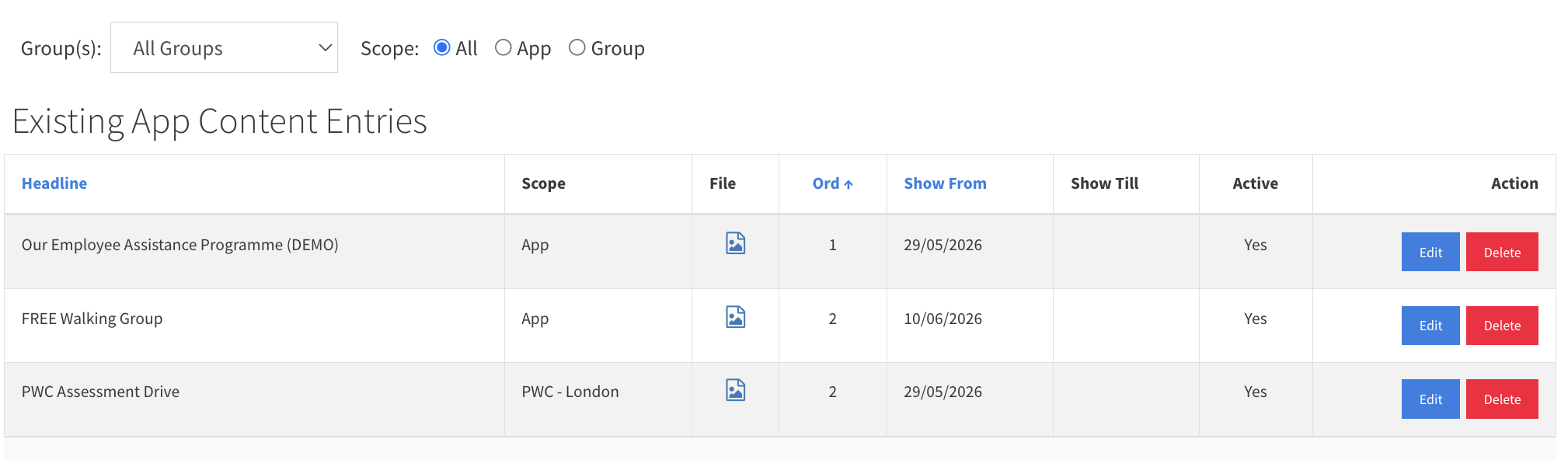
Provide useful app content or a link to another resource
Post and control content that is shown at the bottom of the Fitech companion application for the Subject only.
The content will use the same template format and can include text, an image, and a clickable link button. It will need at least one of the three.

With the subject loaded, click Add App Content
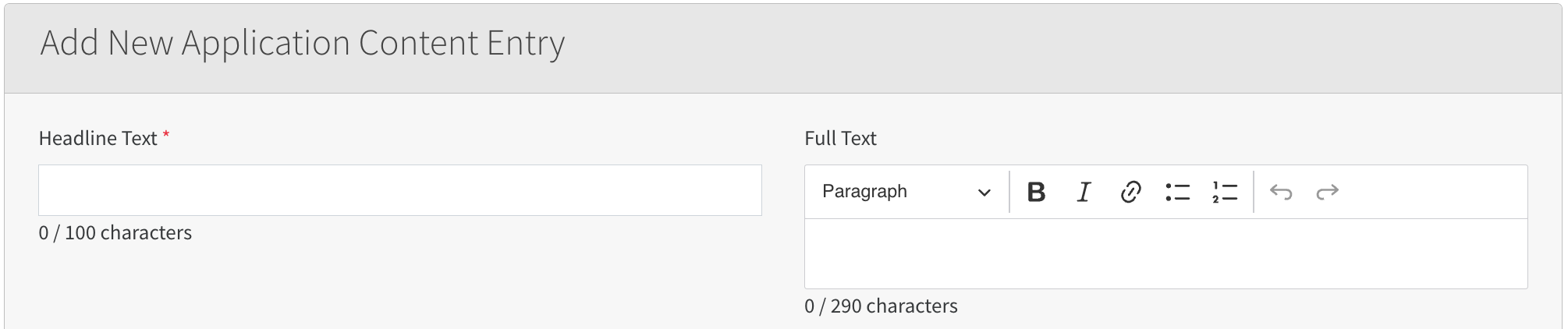
The heading will show in large format as the header for your content. You can then add fuller text in the next box; keep it brief, since these entries work best as a call to action.

You can add an image; it will appear under the title. You can upload a file or provide a URL link. If you want to show a button, enter the destination address in the URL link box.
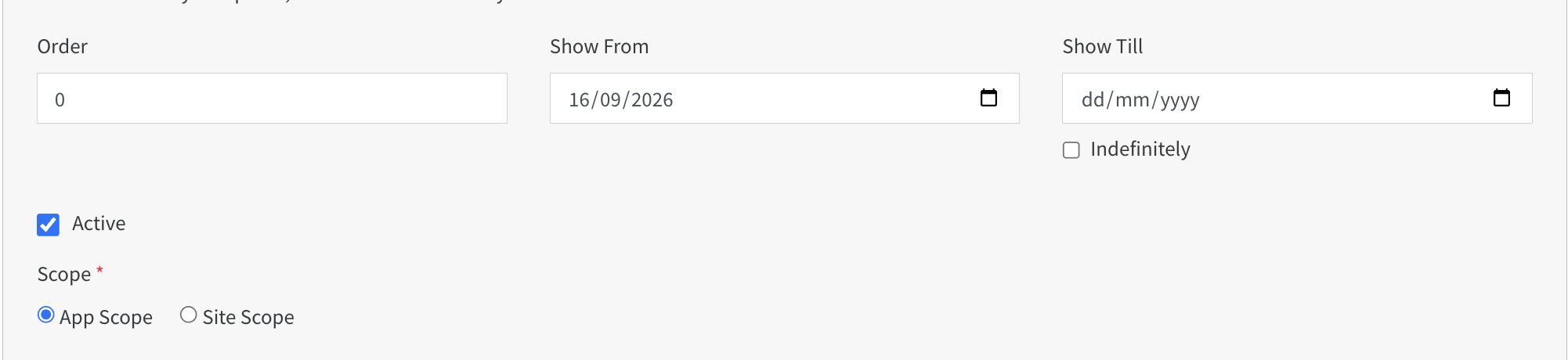
The Order box will let you sort the content, with the lowest number first. The date boxes will set when the content will be shown; however, the Active box must be checked in all cases.